Your church’s settings.
Settings › Church holds how your church appears to listeners and where it keeps time: its name, city, country, time zone and logo. The owner can also delete the church there.
- Logo
- Upload one, or link to one under 512 KB
- Country
- Sets your plan's currency
- Time zone
- For Sunday dates and reports
- Delete
- The owner, while nothing is live
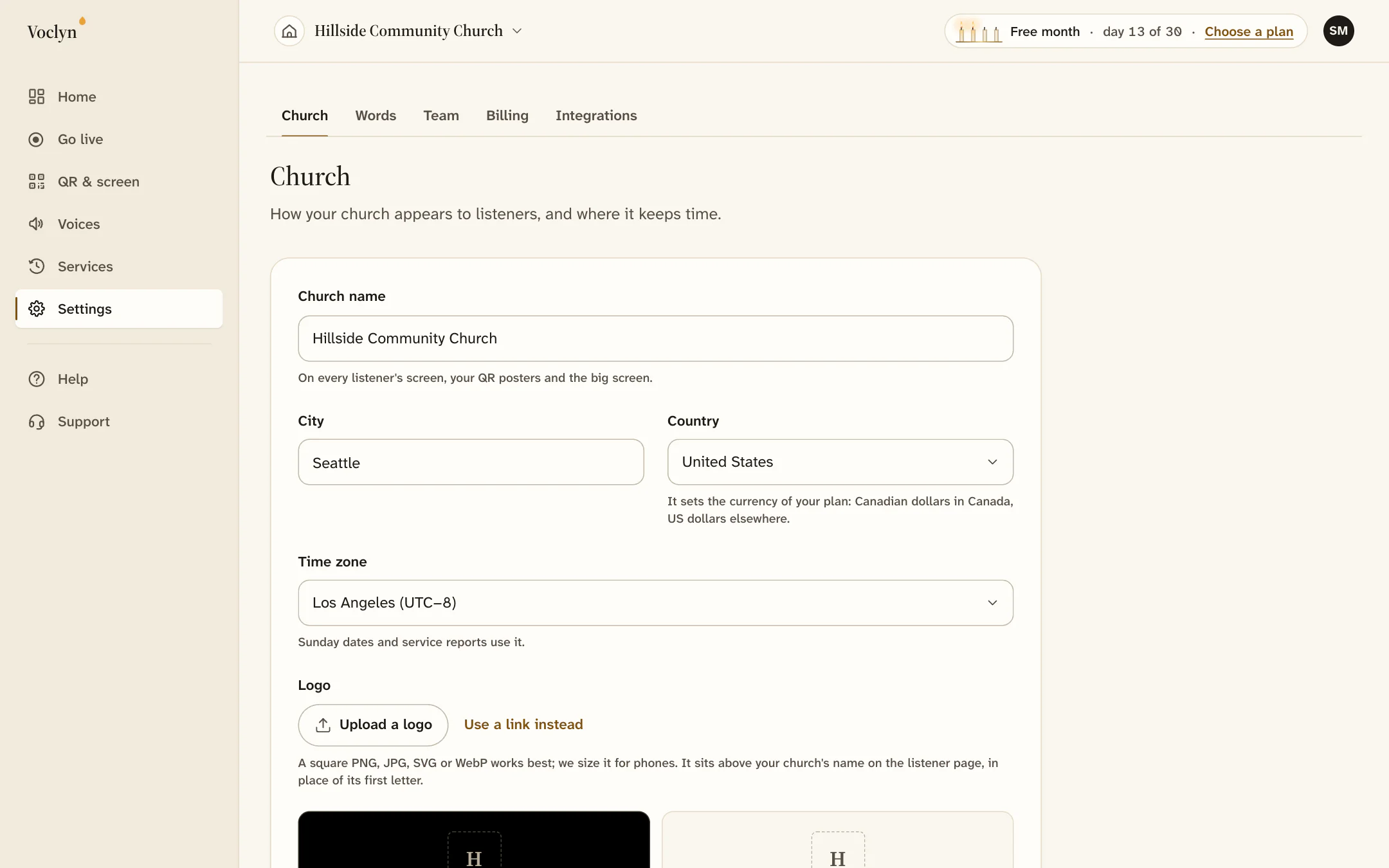
Name, city and country
The Church name leads every phone’s page, the big screen and the print kit; renaming doesn’t change the link or the QR codes. The city isn’t shown to listeners. The Country sets the currency of your plan, Canadian dollars in Canada and US dollars elsewhere; the currency is fixed once a plan is chosen.
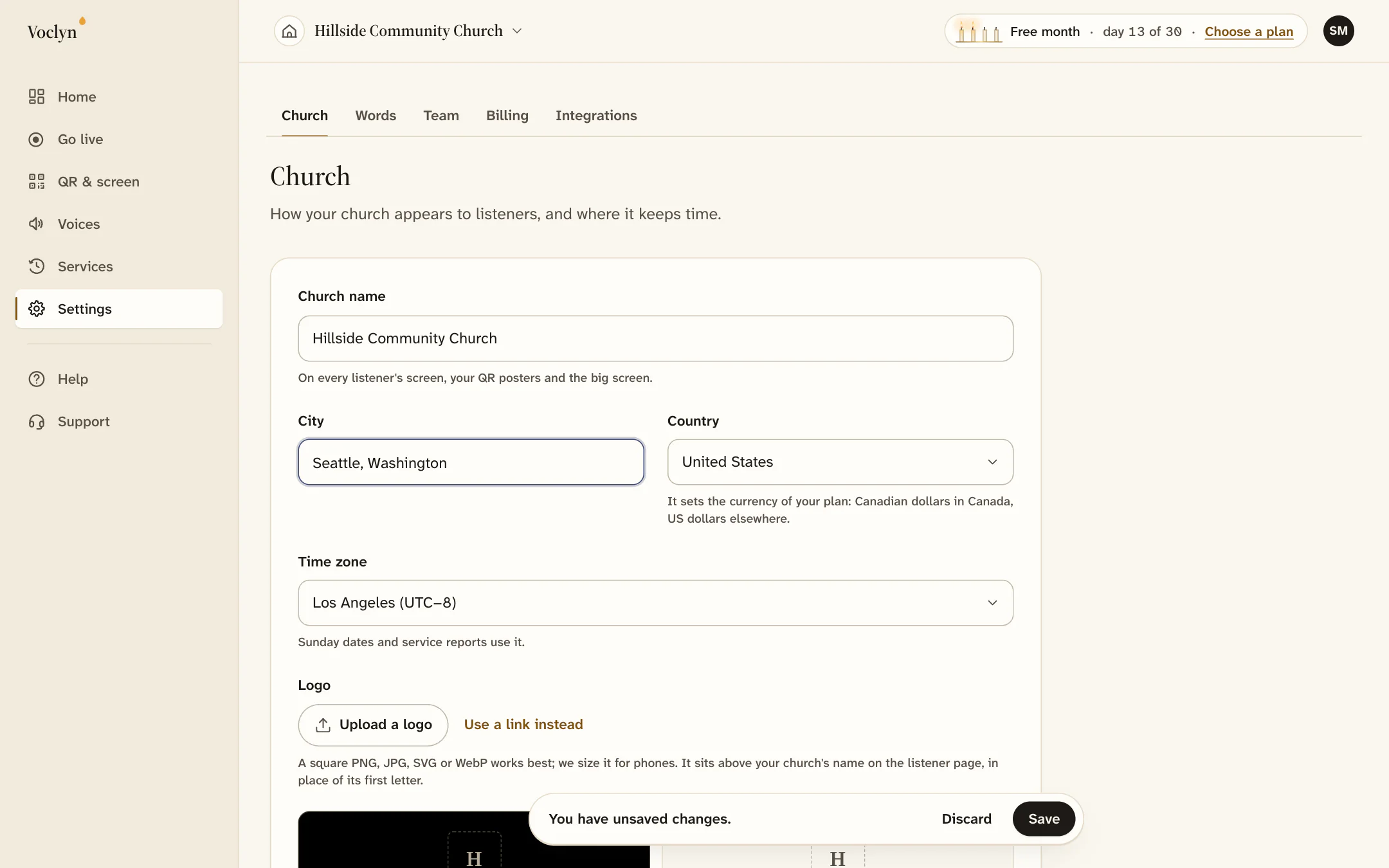
Time zone
Sunday dates, service reports, Home’s greeting and the console’s Sunday help hours use the church’s time zone. It starts as the time zone of the browser that created the church.
Your logo
Upload a logo (a picture up to 15 MB, made smaller for phones), or Use a link instead (https, under 512 KB). Two previews show it as phones will: In the service, on black, and At home, light mode. Without a logo, phones show the first letter of the church’s name.
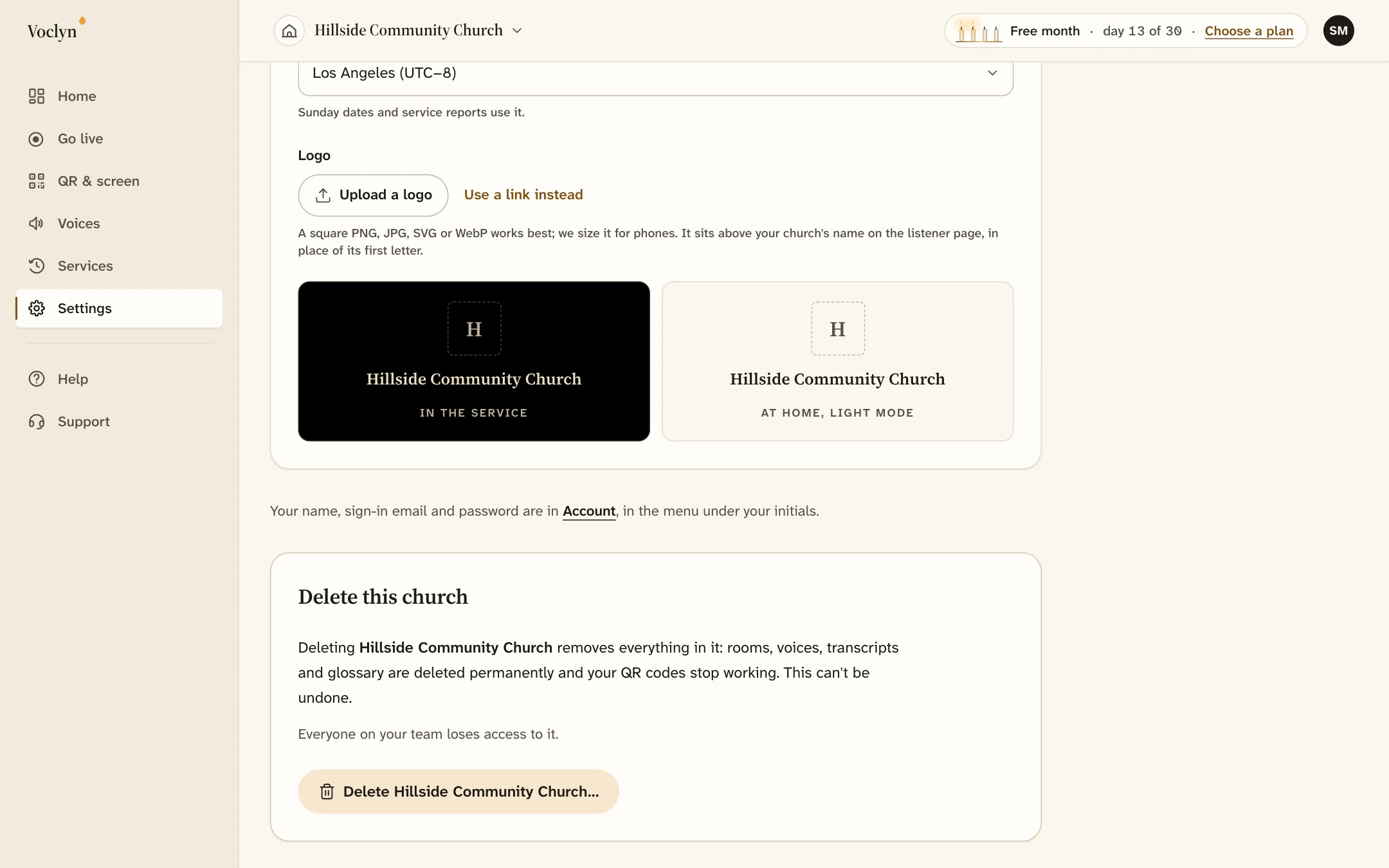
A square logo with a little room around it reads best in the round arch at the top of the phone.
The "Powered by" line
Phones show “Powered by Voclyn” at the foot of the page. On Church and Campus, and in the free month, switch it off for each room in Room settings.
The other settings
- Words: your glossary, tradition words and Bible readings. The glossary.
- Team: people and roles. Your team.
- Billing: the plan, the card and invoices. Billing.
- Integrations: the big screen in ProPresenter, OBS and vMix, Stream Deck, API keys and webhooks. API.
Delete this church
- As the owner, open Settings › Church, find Delete this church at the end, and press Delete Grace Fellowship… (your church’s name).
- In the window that opens, type the church’s link, its main room’s, to confirm. Keep the church closes it.
- Choose Delete permanently. You land on your other church, or on setting up a new one.
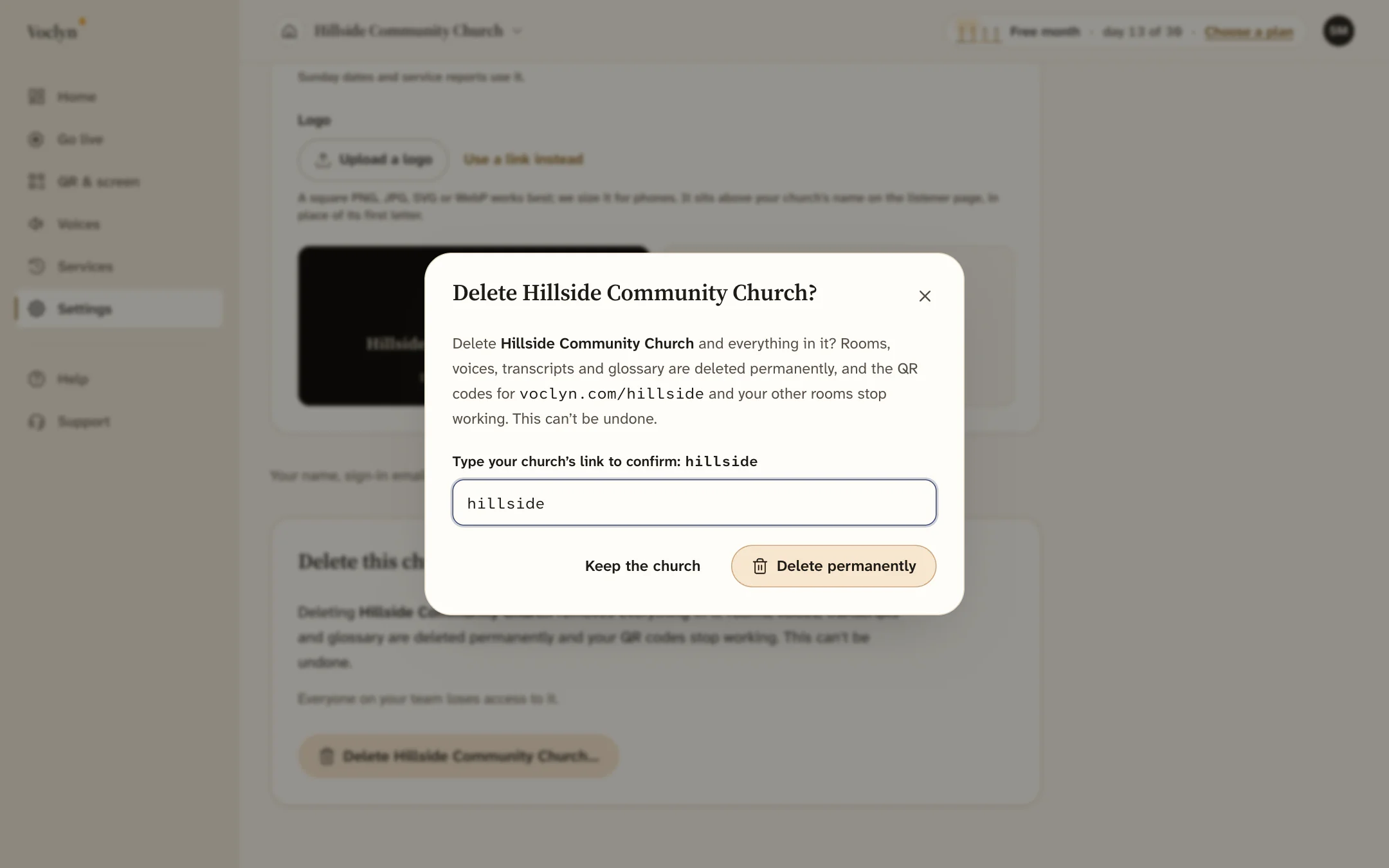
It can’t be undone. Rooms and QR codes, services and transcripts, the glossary, voices and their consent records, the team, API keys and webhooks, and support messages are all deleted. Billing stops at once, with no refund of time already paid; invoices are kept, as the law asks. It isn’t possible while a room is live. Only want to stop paying? Cancel the plan in Billing instead.
Questions
The church's link is its main room's: QR & screen › Room settings › Link. Printed QR codes stop working when it changes.
No. Only an owner can delete the church, change the plan or cancel it.
Read next
Still need help?
A person answers hello@voclyn.com Sundays 7:00–13:00 Vancouver time, and as soon as we can on other days. Say which church and room it is, what the console and the phones show, and add a screenshot if you can.
- Sunday help opens 7:00 Vancouver time.
- Sunday mornings: +1 672 667 5501 · text
- Signed in? Write from Support in the dashboard’s sidebar, and the answer comes back there.