How Voclyn works.
A laptop at the sound desk sends the service’s sound to Voclyn. Voclyn writes each word down as it is said, notices who is speaking and in which language, and translates every sentence; people follow on their own phone, on the big screen or on your stream.
- At the desk
- A browser, and a cable from the mixer
- In the pews
- A phone. No app, no account
- Languages
- 100+, with speaker detection
- Free month
- 30 days of Church, no card, nothing charged
- The pastor speaksInto the microphone the church already uses. Others can speak too, in their own language.
- The sound deskA laptop at the desk opens the console, takes the mixer's sound and goes live.
- VoclynWrites each word as it's said, knows who is speaking and in which language, and translates every sentence.
- PhonesCaptions in each person's language, from a QR code. No app, no account.
- EarbudsAn AI voice reads the translation aloud.
- Big screenUp to four lines on a screen of its own, or two over the slides.
- LivestreamCaptions over your stream in OBS, ProPresenter or vMix.
The parts, in one place
Seven words cover everything in this help center.
| Part | What it is | Where you find it |
|---|---|---|
| Your church | Its name and logo; its team and its plan have tabs of their own. | Settings › Church, Team, Billing |
| A room | Where a service happens. It holds the link, the QR code and the languages. Every church starts with one, called Sanctuary. | QR & screen |
| The link and QR code | voclyn.com/your-church. People scan the code to follow along. | QR & screen › QR & print kit |
| The console | The page at the sound desk that hears the mixer and starts and ends the service. | Go live |
| The listener page | What a phone opens: captions in its language and, where there is one, an AI voice. | The link itself |
| The big screen | What the room reads together: on a TV or projector, or over your slides or stream. | Go live |
| The dashboard | Where your team sets all of it up during the week. | voclyn.com/dashboard |
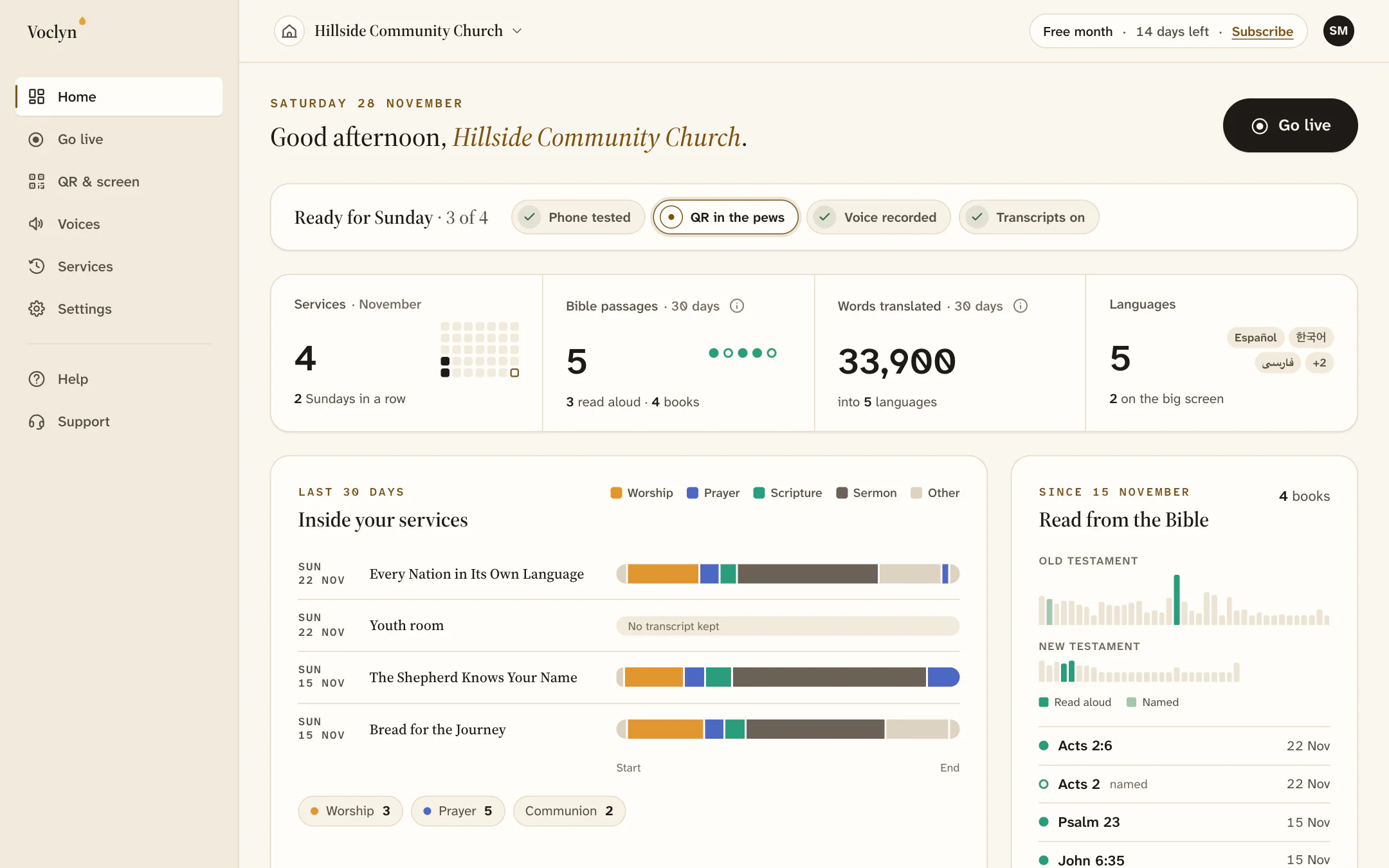
What happens to one sentence
- The pastor speaks. The console at the desk sends the sound as it is heard.
- The words are written down as they are said. Phones reading the language being spoken see them appear on the screen, word by word.
- The language is noticed. Every language is detected, and a switch, even in the middle of a sentence, is followed.
- The sentence is translated right after it ends, into each language someone is following, with your church’s own words from the glossary; a long one shows a first translation while it is still being said. A Bible passage the pastor names and reads is shown from a published Bible instead, in the other languages that have one.
- Everyone gets it their way: phones show it, the big screen shows it in each of its languages, and the AI voice reads it to those listening.
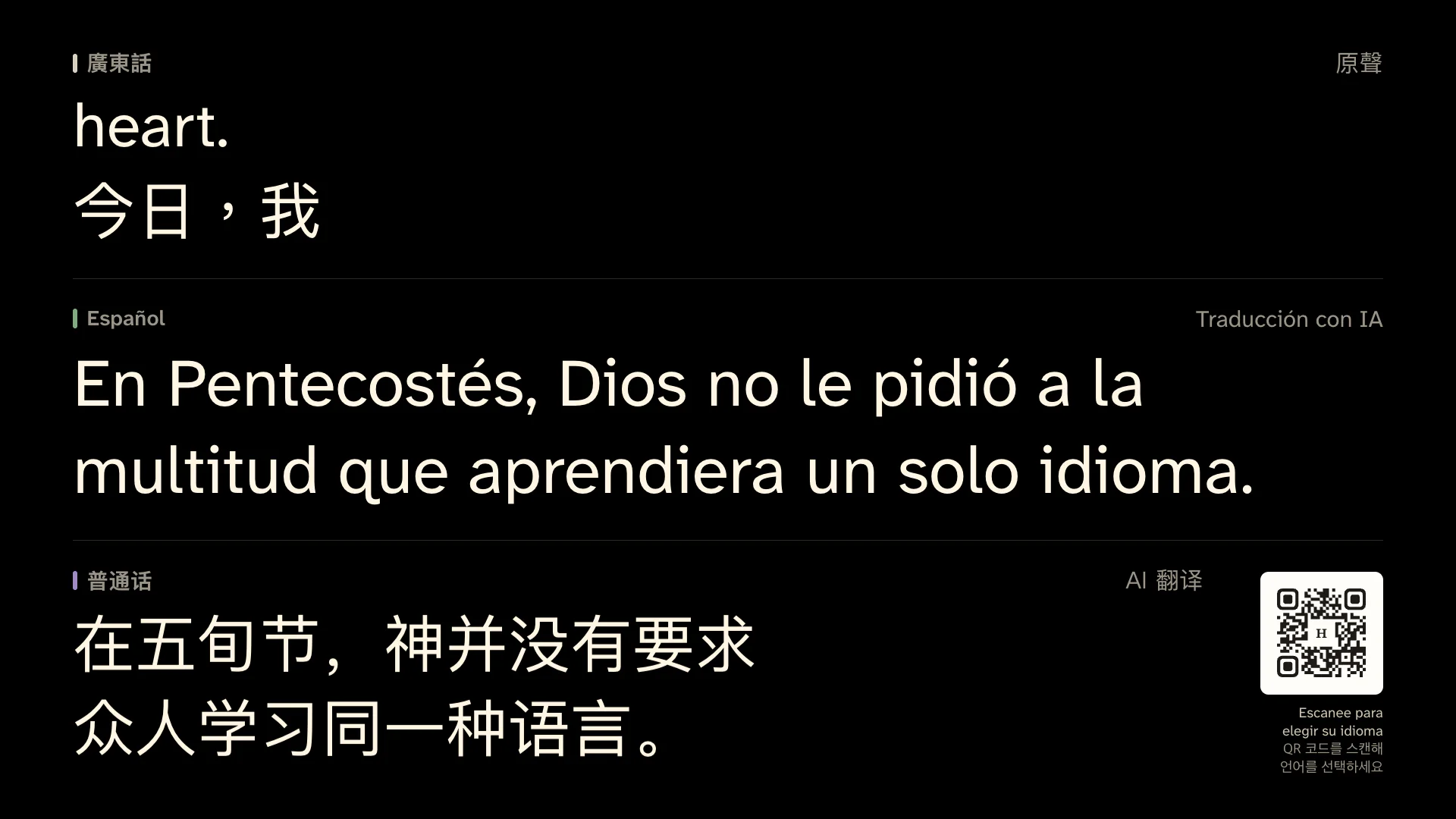
Who does what on a Sunday
At the sound desk, one person opens Go live, turns on the sound and presses Go live. During the service they press Worship when the band plays and Speech when someone speaks, and they press End the service and confirm to end. Any member of your team can do this, including an operator, and set up the big screen there too. Go live: the console.
In the pews, people scan the QR code, choose their language and read, or listen with earbuds. They need no app and no account, and the page doesn’t use their microphone, camera or location. What people see on their phones.
During the week, the church’s owner and admins set things up: the languages on the card, the glossary, voices and the team.
What is AI, and what isn't
- Translations are made by a computer as the words are spoken. Every phone says AI translation at the top, and a tap explains it.
- Bible readings, in the other languages with a published Bible, come from that Bible and say Published text · not AI; phones in the language being read see the words as read. Bible readings.
- The AI voice is a computer voice reading the translation (or the words as said, for someone in the language being spoken), or one made from your pastor’s own voice, with their written permission.
- The sound of the service is never stored. A room keeps the words, the transcript, for your plan’s period, unless you turn that off.
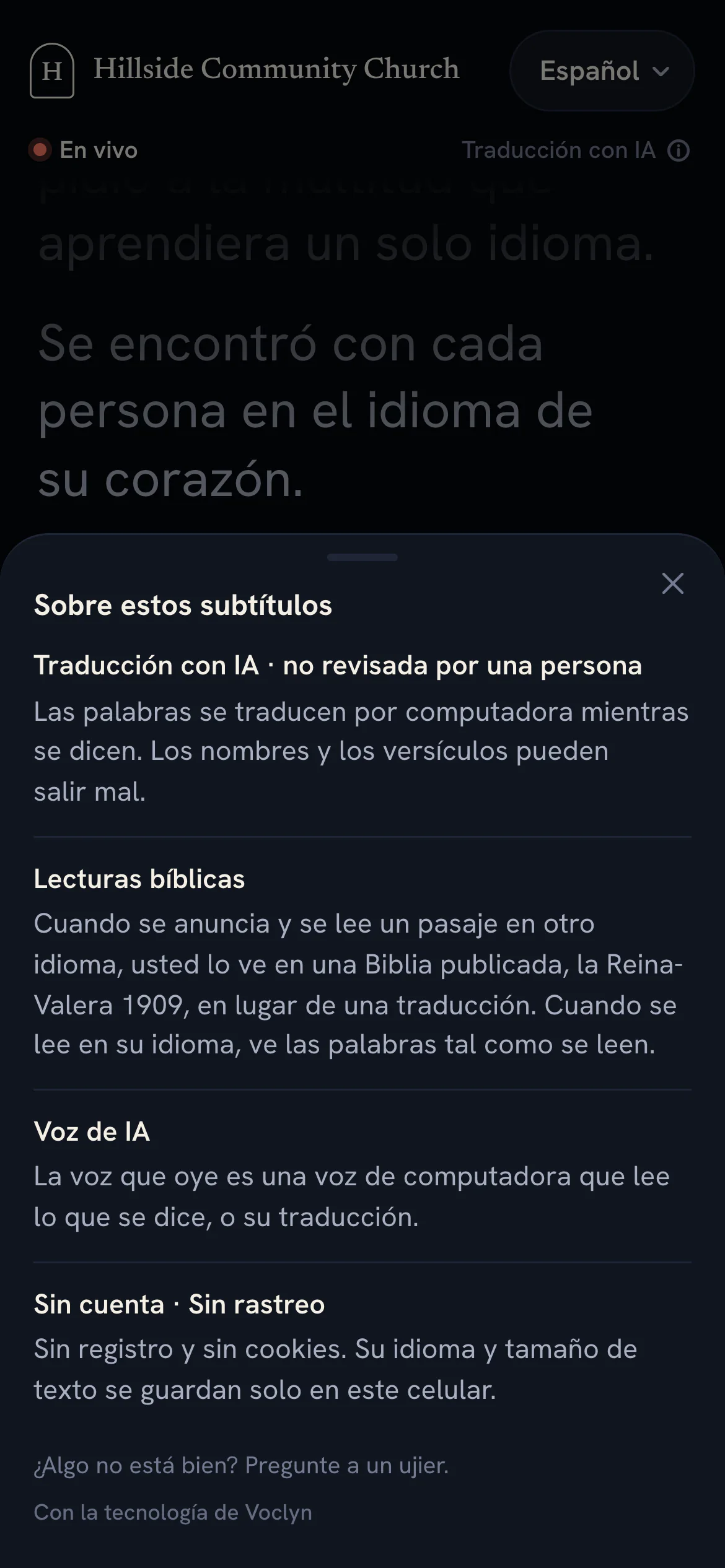
About these captions
Names and church words come out right more often once they are in your glossary. Start with your pastors’ names: they are the words people notice first. The glossary.
What you need
- A computer at the sound desk with a recent Chrome, Edge or Safari, and a cable from the mixer’s aux send. A room microphone works too. Sound from the desk.
- Internet at the desk, by cable or Wi-Fi. Phones can use the church Wi-Fi or their own data. Church Wi-Fi and mobile data.
- For the big screen, any computer that drives the projector or TV, or ProPresenter, OBS or vMix. The big screen.
Questions
No. They scan the QR code or type the link, and choose a language. There is no app to install and no account to make.
Yes. The language of each sentence is detected, even when a speaker switches in the middle of one, and every phone still gets it in its own language.
The sound is never stored. If a room saves transcripts (Room settings), the words are kept for your plan's period, and you can turn that off.
Read next
Still need help?
A person answers hello@voclyn.com Sundays 7:00–13:00 Vancouver time, and as soon as we can on other days. Say which church and room it is, what the console and the phones show, and add a screenshot if you can.
- Sunday help opens 7:00 Vancouver time.
- Sunday mornings: +1 672 667 5501 · text
- Signed in? Write from Support in the dashboard’s sidebar, and the answer comes back there.